Note:
— The deletion of API key can only be done on the website, there is no option to do it via Bybit (powered by SATOS) app.
Mainnet account settings URL: https://www.bybit.nl.com/app/user/api-management
Testnet account settings URL: https://testnet.bybit.nl.com/app/user/api-management
Step 1: Click on the link above to enter your account's settings page. Perform a login if prompted.
Alternatively, you can manually navigate to the API Management page by following the 3 steps illustrated in the image below
-
Top right corner of any Bybit (powered by SATOS) webpage, click on your username
-
Inside the dropdown menu, click on Account & Security
-
Select API Management tab

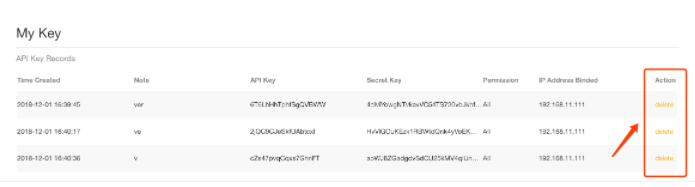
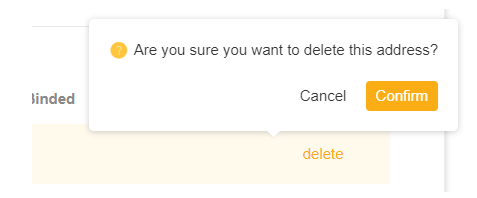
Step 2: Inside the API Management page, under the Action column, click on the orange Delete. Confirm the deletion by clicking on the pop-out Confirm button