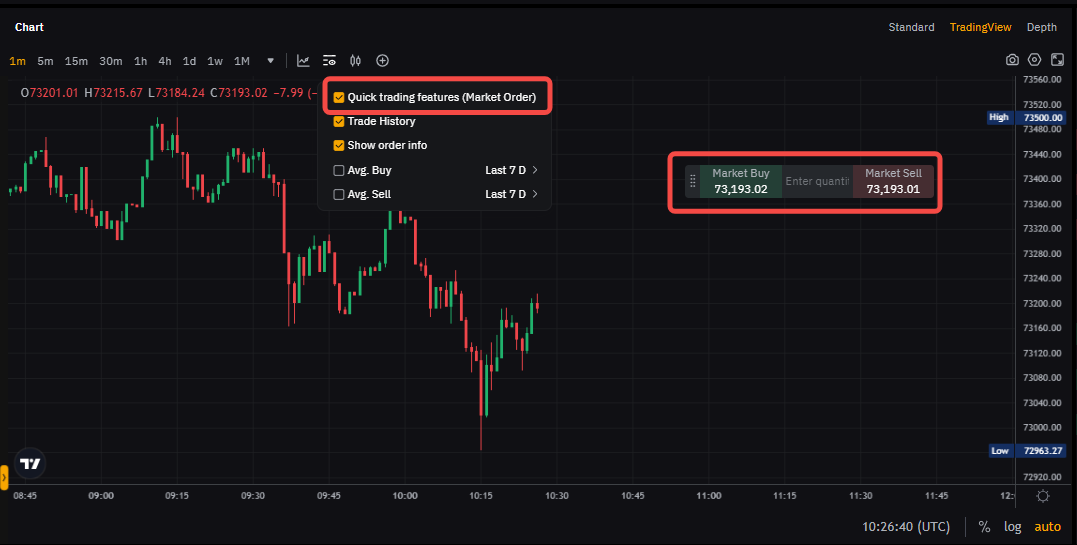
For traders to execute their strategies more effectively in volatile markets, we've introduced a convenient function that lets them place an order directly on the trading chart.
Quick Trading - Market Order
The Quick Trading Market Order is located at the upper right corner of the trading chart. Once traders have preset the quantity of the contracts, they will be able to submit a buy or sell order using a market order with just one click.
Notes:
— A market order will be executed at the best available price in the order book. However, the actual execution price may differ slightly from the price shown on the quick entry zone.
— Currently, Quick Trading functions are not available on the App.